Nova Studio

Nova Studio — don’t just watch. Be there.

For creative work that has to hold up.

An AI production studio for image, video and spatial work. Plan a sequence on an infinite canvas, keep every shot connected, and stay in control from script to final frame.

Guest access available — no card, no commitment.

  • OpenAI
  • Anthropic
  • Google Gemini
  • Seedance
  • MiniMax
  • Meta
  • NVIDIA
  • Apple
  • GitHub
  • Vercel
  • Replicate
  • Supabase

Partner showcase

Built with Jimeng AI

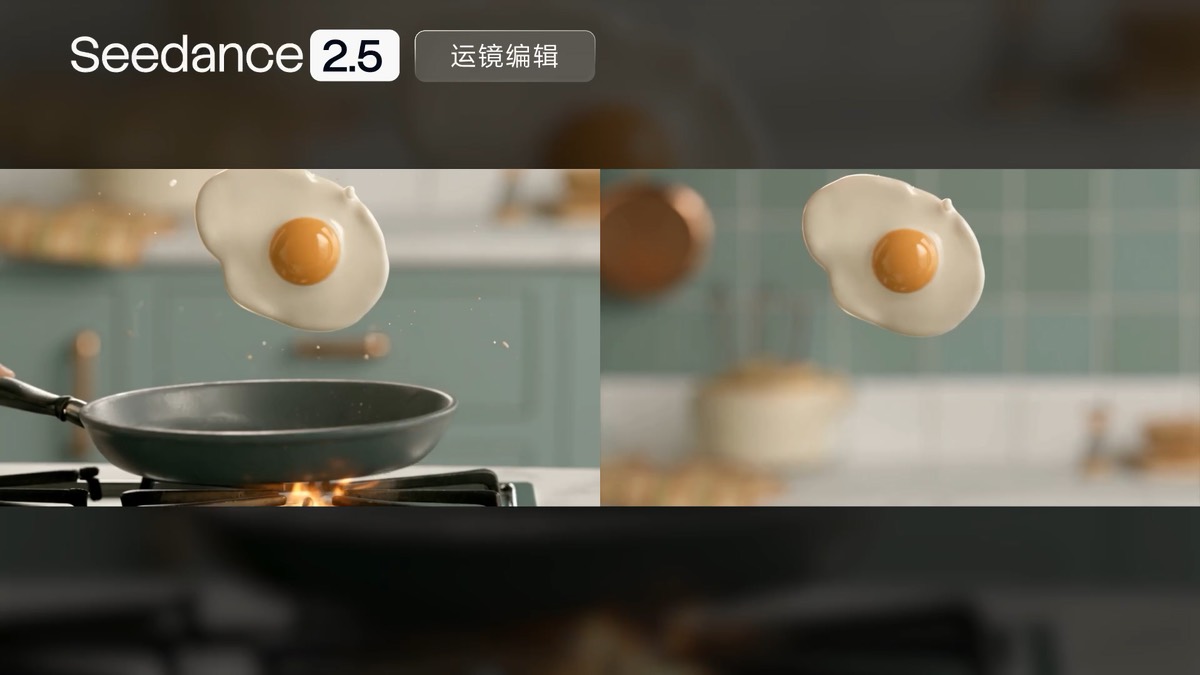
Seedance 2.5 — a new benchmark for professional work.

How it works

Write. Compose. Direct.

Three moves on a single canvas. Nothing is thrown away between them.

  1. 01

    Write

    Start from a script, a logline or a reference board. Nova breaks it into beats and scenes you can rearrange.

  2. 02

    Compose

    Turn beats into storyboards, character sheets and coverage. Connect a node to reuse a look downstream instead of describing it again.

  3. 03

    Direct

    Set camera, motion and timing per shot, run the sequence, and compare takes side by side before you commit.

Creator marketplace

Start from a professional workflow, not a blank canvas.

Browse workflows curated by the community, import a proven process in one click, keep editing and keep creating — and publish one of your own.

Built for the work you already do

Designed for your discipline

The same canvas adapts to how each team plans, reviews and delivers visual work.

  • Advertising

    Board a campaign, hold the product and the talent consistent, and show a client the cut before anything is shot.

  • Film & episodic

    Move from treatment to shot list to previs without leaving the sequence, and keep continuity notes attached to the frame.

  • Games

    Explore character turnarounds, environment passes and cinematic beats side by side on one surface.

  • Product & retail

    Generate the lighting, angle and set variations a launch needs, and keep every approved asset in one place.

  • Architecture

    Take a plan through mood, massing and walkthrough, then hand the client a sequence rather than a slide.

  • Education & research

    Teach a visual pipeline end to end with a workspace that shows every intermediate step, not just the output.

Why teams choose a canvas

  • 01

    Control, not luck

    Adjust one node instead of rerolling a whole prompt and hoping.

  • 02

    Context stays put

    References, notes and approved takes live next to the shot they belong to.

  • 03

    Fewer round trips

    Board, revise and review in the same place your team already comments in.

  • 04

    No surprises

    Capabilities that are not connected yet are labelled as such. What you see working, works.

Questions

What people ask before they start

If yours is not here, write to us — the address goes to a person, not a queue.

Ask us directly
What is Nova Studio, exactly?

A production workspace for image, video and spatial work. Instead of a prompt box that returns one result at a time, a project is a connected graph on an infinite canvas: every node keeps its inputs, its settings and its history, so a change upstream is a change you can trace and re-run all the way to the final frame.

Do I need an account to try it?

No. Guest mode opens the full canvas with no card and no sign-up. Your work stays in that browser — it is not synced, and clearing site data clears it — so make an account when you want a project to survive the tab.

Which model does it run?

Whichever one the deployment is configured for. The canvas exposes intents — auto, quality, fast, draft — rather than product names, and provider adapters sit behind each node. That means a saved graph keeps working when the model behind it is swapped, and you are not rebuilding a workflow because a vendor deprecated a version.

What happens if no model provider is connected?

The run is refused and the node says so. Earlier builds answered with one of the clips bundled with the app, badged as a sample — useful while the canvas was being designed, and wrong in front of anyone who might mistake it for their own output. Nothing is produced that was not generated. Connect a provider key and runs go live; nothing else about the workflow changes.

Who owns what I make?

You do. We claim no rights over your prompts, your uploads or your results, and nothing you make is published anywhere until you choose to publish it. Sharing a work to Explore is an explicit action, and it can be withdrawn.

What does “spatial” mean here?

Composing for a viewer who is inside the scene rather than in front of it — depth, camera and staging as first-class properties of a shot, not effects applied afterwards. It is the direction the product is built toward, and the part of NovaOS still under active construction.

How much does it cost?

You can start for free, then subscribe or top up credits when you need more compute. Checkout is handled securely by Stripe, and the pricing page shows the exact plan allowance and billing cadence before payment.